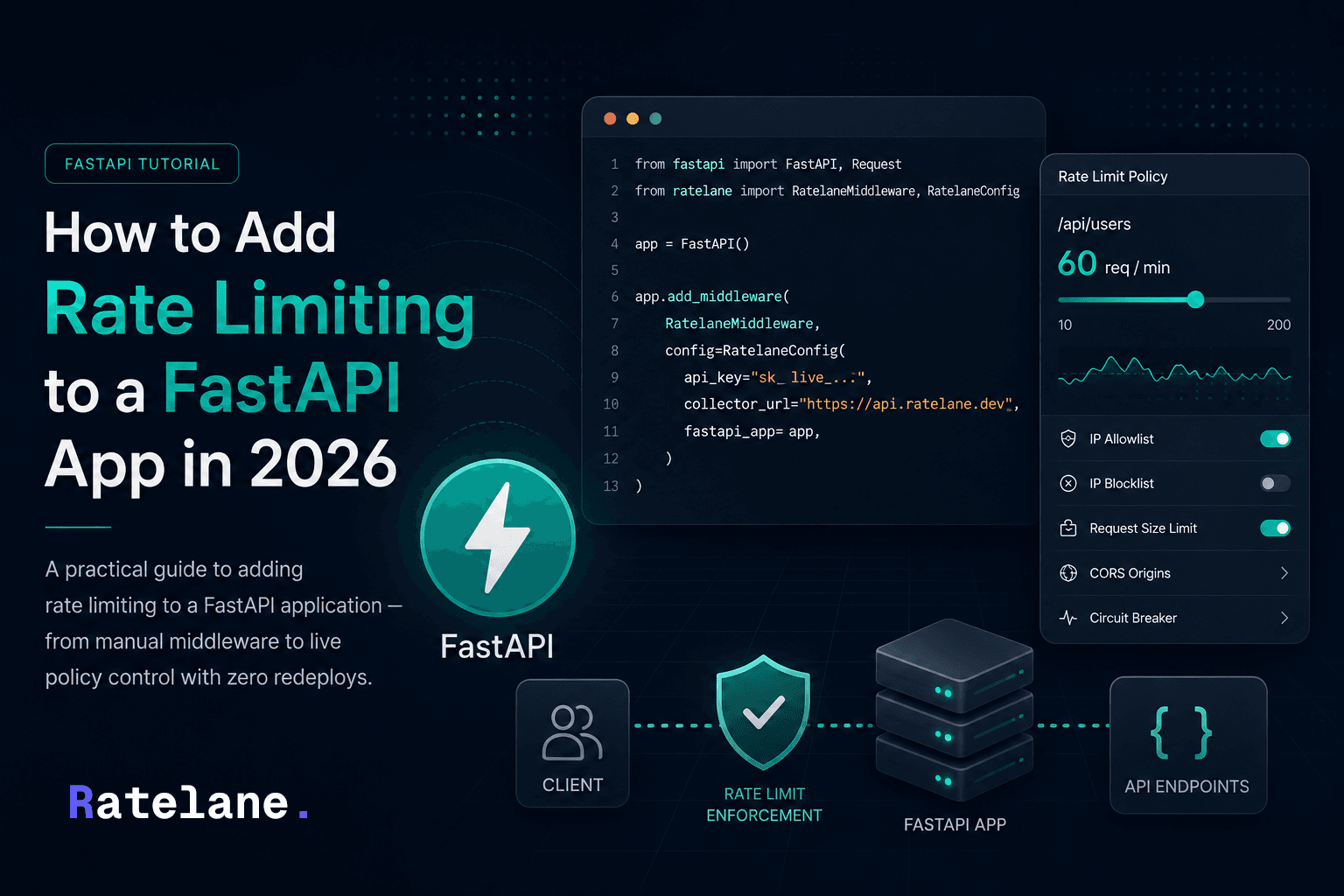
How to Add Rate Limiting to a FastAPI App in 2026
A practical guide to adding rate limiting to a FastAPI application — from manual middleware to live policy control with zero redeploys.
Rate limiting is one of those things every FastAPI app eventually needs — and most teams add it too late, after they've already been hit by a traffic spike, a retry storm, or an abusive client.
This guide walks through the practical options for rate limiting a FastAPI app in 2026, from simple in-process solutions to live policy control across a fleet of instances.
Option 1 — Manual middleware (no dependencies)
The simplest approach: write a middleware that tracks request counts per IP using an in-memory store.
from fastapi import FastAPI, Request
from fastapi.responses import JSONResponse
from collections import defaultdict
import time

app = FastAPI()

# In-memory store: {ip: [(timestamp, count)]}
request_counts = defaultdict(list)
RATE_LIMIT = 60       # requests
WINDOW_SECONDS = 60   # per minute

@app.middleware("http")
async def rate_limit_middleware(request: Request, call_next):
    client_ip = request.client.host
    now = time.time()

    # Remove requests outside the window
    request_counts[client_ip] = [
        t for t in request_counts[client_ip]
        if now - t < WINDOW_SECONDS
    ]

    if len(request_counts[client_ip]) >= RATE_LIMIT:
        return JSONResponse(
            status_code=429,
            content={"detail": "Rate limit exceeded. Try again later."}
        )

    request_counts[client_ip].append(now)
    return await call_next(request)
What this gives you:
- Works out of the box, no external dependencies
- Resets on every restart (in-memory only)
- Does not share state across multiple instances — each process has its own counter
The problem: if you run more than one worker process or more than one server, each instance tracks counts independently. A client hitting 3 instances could send 3x your intended limit. For single-process local dev this is fine. For production with multiple workers, you need shared state.
Option 2 — Redis-backed rate limiting (slowapi)
slowapi is the most popular rate limiting library for FastAPI. It uses Redis for shared state across instances and follows the limits library's syntax.
pip install slowapi redis
from fastapi import FastAPI, Request
from slowapi import Limiter, _rate_limit_exceeded_handler
from slowapi.util import get_remote_address
from slowapi.errors import RateLimitExceeded

limiter = Limiter(key_func=get_remote_address)
app = FastAPI()
app.state.limiter = limiter
app.add_exception_handler(RateLimitExceeded, _rate_limit_exceeded_handler)

@app.get("/api/users")
@limiter.limit("60/minute")
async def get_users(request: Request):
    return {"users": []}
For Redis-backed storage:
from slowapi import Limiter
from slowapi.util import get_remote_address

limiter = Limiter(
    key_func=get_remote_address,
    storage_uri="redis://localhost:6379"
)
What this gives you:
- Shared state across multiple workers and instances via Redis
- Per-route limits with a clean decorator syntax
- IP-based or custom key functions
The problem: limits are hardcoded in your decorators. Changing a rate limit means editing code, committing, and redeploying. If you're running 10 instances and want to drop the limit from 60 to 20 req/min during an incident, you're looking at a deploy cycle — which is exactly when you don't want one. You also have no visibility into which instances are running, which are stale, or what policy they're actually enforcing.
Option 3 — Live policy control with Ratelane
Ratelane runs as an ASGI middleware inside your FastAPI app. Instead of hardcoding limits in decorators, it syncs policy from a dashboard every 10 seconds and enforces it locally — no network call per request, no redeploy to change limits.
pip install ratelane-sdk
from fastapi import FastAPI
from ratelane import RatelaneMiddleware, RatelaneConfig

app = FastAPI()

app.add_middleware(
    RatelaneMiddleware,
    config=RatelaneConfig(
        api_key="sk_live_...",
        collector_url="https://api.ratelane.dev",
        fastapi_app=app,
    )
)
That's the full setup. From the Ratelane dashboard you can now:
- Set rate limits per route (or globally) without touching code
- Disable a route instantly — useful during incidents
- Block or allowlist IPs by CIDR range
- Set request body size limits
- Configure CORS allowed origins
- Trip a circuit breaker on error spikes
- See every running instance, its sync status, and what policy it's enforcing
Changing a limit:
Log into the dashboard, update the rate limit slider for /api/users, save. Within 10 seconds, every running instance picks up the change. No redeploy, no kubectl rollout, no Nginx reload.
What happens if the dashboard is unreachable:
The SDK has an Emergency Profile — a fallback policy you define once. If the policy server becomes unreachable for longer than a configurable window, every instance automatically falls back to the Emergency Profile and keeps running. When connectivity restores, it reverts automatically.
Comparison
| Approach | Shared state | Live changes | Per-route control | Visibility |
|---|---|---|---|---|
| Manual middleware | No (in-memory) | Redeploy | No | No |
| slowapi + Redis | Yes | Redeploy | Yes (decorators) | No |
| Ratelane | Yes | Yes (under 10s) | Yes (dashboard) | Yes |
Which should you use?
- Local dev or simple single-process app: manual middleware is fine, zero dependencies
- Production, multiple workers, limits can be static: slowapi with Redis is solid and well-maintained
- Production, you want to change limits without redeploying, or you run multiple instances and need visibility: Ratelane
For most teams shipping real APIs, the deploy cycle for limit changes is the actual pain point — not the rate limiting itself. If you've ever had to emergency-redeploy to drop a rate limit during an incident, that's the problem Ratelane was built to solve.
Get started with Ratelane free — the SDK installs in one command and the middleware is three lines.
Try Ratelane free
Rate limits, fleet visibility, and fallback policies — live from a dashboard. No redeploys.